
The LinkedIn networking cheat sheet
How I used LinkedIn to find alumni and recruiters who’d actually answer, without spending hours on it.
-
Find alumni from your university
- Open LinkedIn on your laptop. It works better than the app.
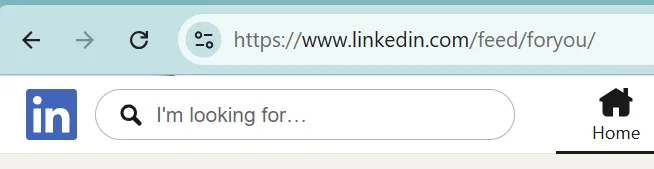
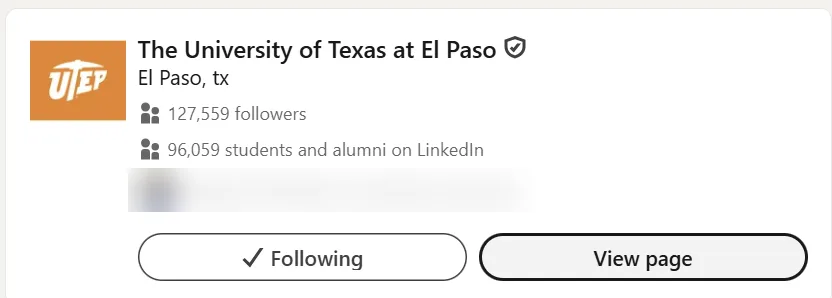
- Search for your university and open its page.
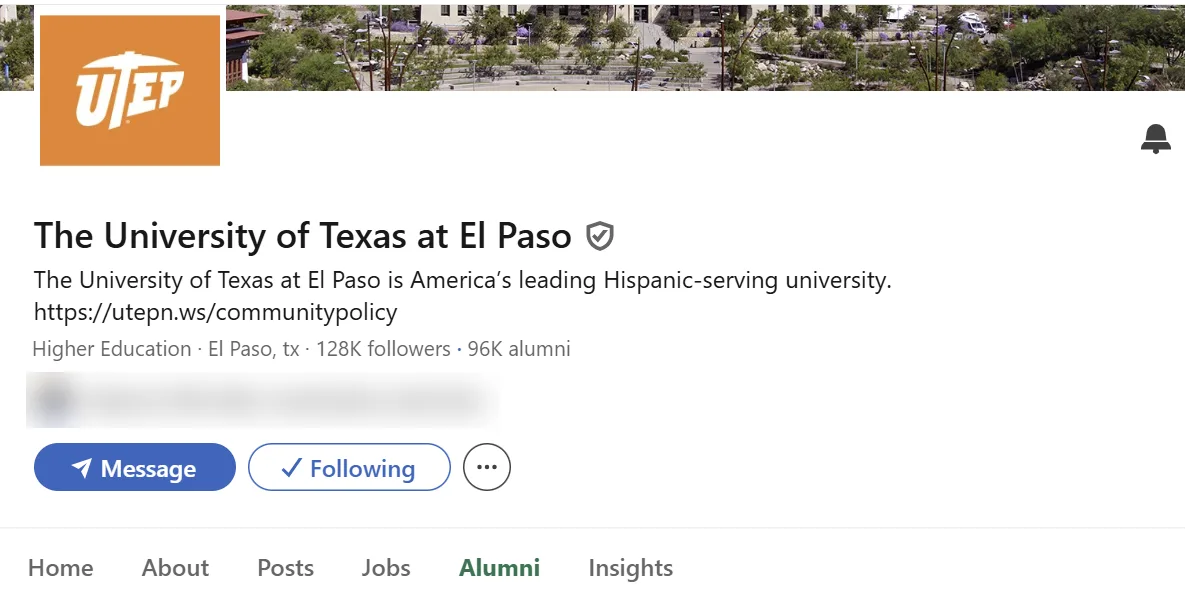
- Click the Alumni tab.
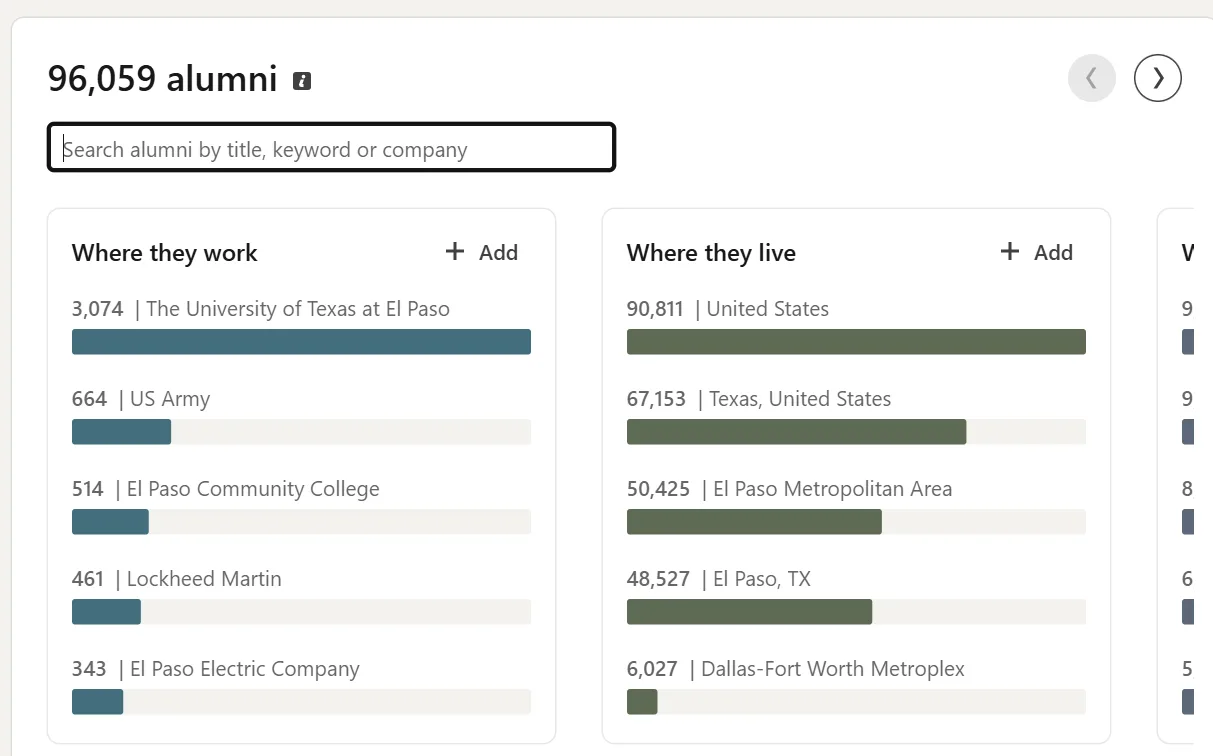
- You’ll see where alumni work and live. Now have fun searching by job title. I usually search for the job titles I want in the future, like data analyst or tech consulting.
- Open LinkedIn on your laptop. It works better than the app.
-
Big tip: search “recruiter”
Type recruiter in the alumni search box and reach out to the people who show up. Recruiters are the ones handing out interviews, and alumni tend to reply even more.
Don’t ask for a job. Ask for advice. The skills recruiters look for are similar at every level, so advice from a local recruiter goes a long way.
To find local recruiters: under “Where they live,” click your city to see the alumni working there, then reach out. You can also go statewide, but keep company size in mind. Recruiters at bigger companies have bigger workloads, so smaller local companies are more likely to answer.
-
Keep it going with LinkedIn each week
You don’t have to do everything every day. Open the notes app on your phone and save these goals:
- Use LinkedIn 3 times a week.
- Comment on 2 posts you found useful.
- DM the creator of 1 post you found useful, or connect with them and then DM.
Doing this every week will put you above 90% of people who just use LinkedIn to stalk.
Tired of getting ghosted? Click here.